Task
Minimalist, gesture-driven Flutter to-do app built in Feb 2022 with zero tutorials — featuring swipe gestures, native clock reminders, and distraction-free monochrome focus.
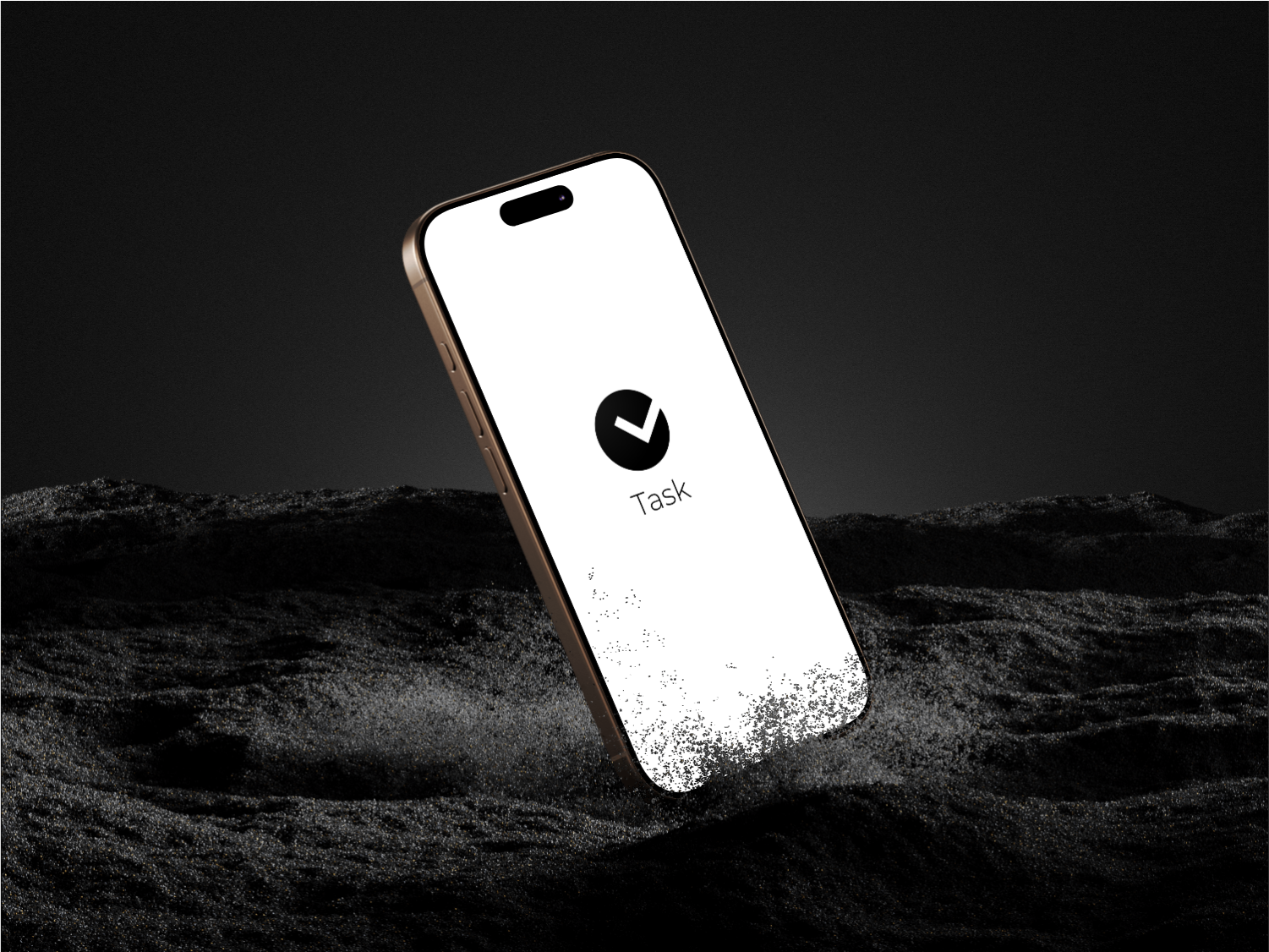
Overview
Task is a distraction-free, gesture-first mobile to-do app built in February 2022 during my first year of college (BCS). It holds a special place in my development journey: it was my very first mobile application, built head-first without following a single YouTube tutorial or course — guided purely by official Flutter documentation and Stack Overflow.
Frustrated by existing to-do apps cluttered with mandatory login screens, paywalls, analytics trackers, and notification spam, I wanted something that respected the user's attention: a clean, local-first utility where you tap +, type what needs doing, set a deadline if needed, and get back to real life.
Core Features
- Gesture-Driven Interactions: Natural swipe-to-delete dismissible actions with smooth haptic feedback and instant removal.
- Minimalist Dual Themes: Built with full OLED dark mode and high-contrast light mode with zero visual noise.
- Native Clock Scheduling: Circular analog clock time-picker for setting deadlines and scheduled reminders without cumbersome date menus.
- Ongoing vs. Completed Tabs: Clear division between pending items and completed tasks with completion timestamps.
- Empty State Delight: Custom playful ghost illustration greeting you when your task queue is entirely cleared.
- Local-First & Zero Friction: No accounts, no internet connection required, no background telemetry, and instant launch speed.
The Story: Zero Tutorials
When I decided to learn Flutter in early 2022, everyone in my college circle recommended binge-watching 40-hour tutorial playlists. I took the opposite path:
- Skipping Tutorial Hell: If you only copy code typed by an instructor, you never learn how to think in state machines and widget trees.
- Docs First: Learned the foundation directly from Flutter's official docs — understanding
StatelessWidgetvs.StatefulWidget, state lifecycles, and layout constraints. - Debugging with Stack Overflow: Solved layout overflows, keyboard occlusion bugs, and gesture conflicts by reading discussions and understanding root causes.
- The Release High: Running
flutter build apkand testing the release build on my own smartphone was the defining moment that turned me into an obsessive builder.
Download Release APK
You can download and run the original signed Android APK directly:
- 📦 Download Link: Download Task APK (app-release.apk)
- 📱 Compatibility: Android 5.0+ (Lollipop and above)
- 🔒 Privacy: Fully offline, requires zero special permissions