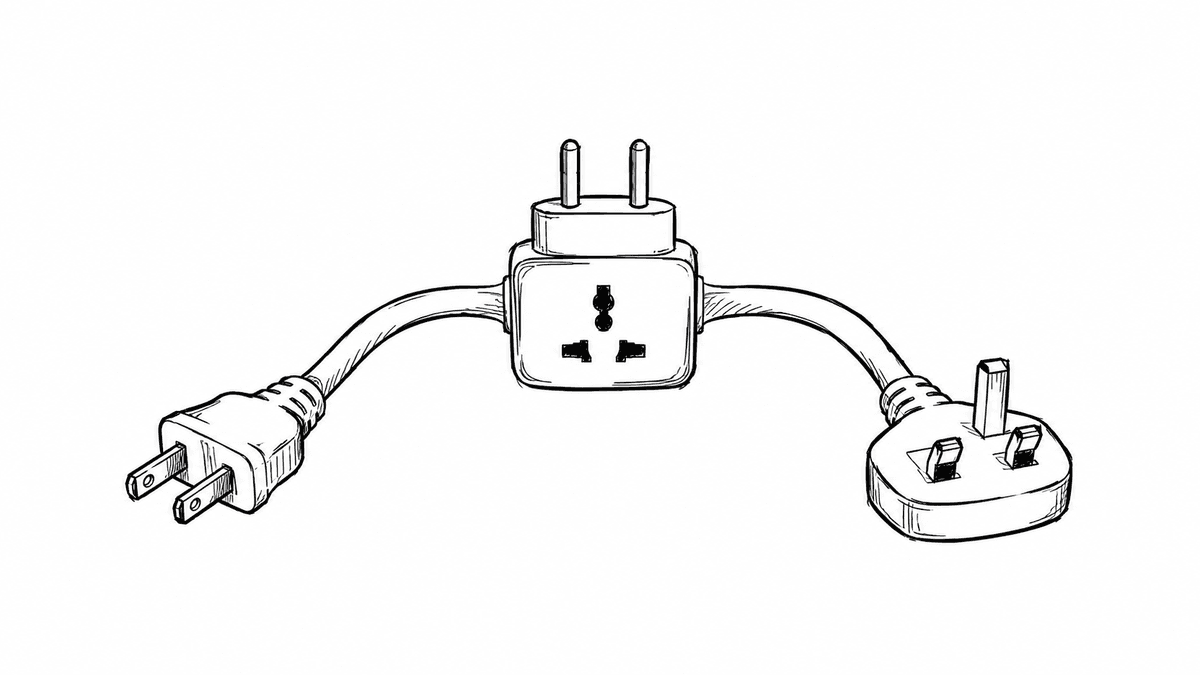
How to Support Multiple AI Providers in TypeScript – Manish
When adding AI features to your application, it is tempting to install a single provider SDK (like OpenAI or Anthropic) and call it directly inside your route handlers or business logic.
However, as your application grows, you will likely want to switch models to lower costs, compare outputs, or add fallbacks during outages. If your app is coupled directly to a specific SDK, switching providers requires refactoring code across multiple files.
In this guide, you will learn how to design a simple Adapter Pattern in TypeScript so you can swap AI providers with a single configuration change.
When you hardcode provider SDKs across your codebase, you run into three main problems:
Vendor Lock-in: Migrating to another model requires rewriting request parameters and response parsers everywhere.
Inconsistent APIs: Different providers use different parameter names (for example, max_tokens vs max_completion_tokens, or passing a system prompt as a config property vs a message role).
Hard to Test: Mocking third-party SDKs in unit tests is cumbersome when provider-specific methods are scattered across your app.
OpenAI allows 'system' messages directly inside the messages array.
Anthropic expects system prompts in a top-level system field rather than in the messages array.
Solution: Keep your application format uniform ({ role: 'system', content: '...' }) and let the adapter extract or remap it before sending the payload.
Each provider returns different error structures (e.g., HTTP 429 rate limits, invalid auth, context length limits).
Create a unified error class:
export class LLMError extends Error {
  constructor(
    message: string,
    public readonly provider: string,
    public readonly statusCode?: number,
    public readonly isRateLimit: boolean = false
  ) {
    super(message);
    this.name
When an adapter catches a provider-specific error, wrap it in LLMError. This allows your application code or fallback mechanisms to handle errors and retries consistently without knowing which SDK threw it.
Modular: Adding a new provider (e.g., Google Gemini, Mistral, or a local Ollama instance) only requires creating one adapter class without touching existing application logic.
Testable: You can mock LLMProvider in unit tests cleanly without dealing with third-party SDK mocks or live network requests.
Future-Proof: Protects your app from vendor lock-in and breaking upstream API changes, allowing seamless provider switching and fallbacks.